




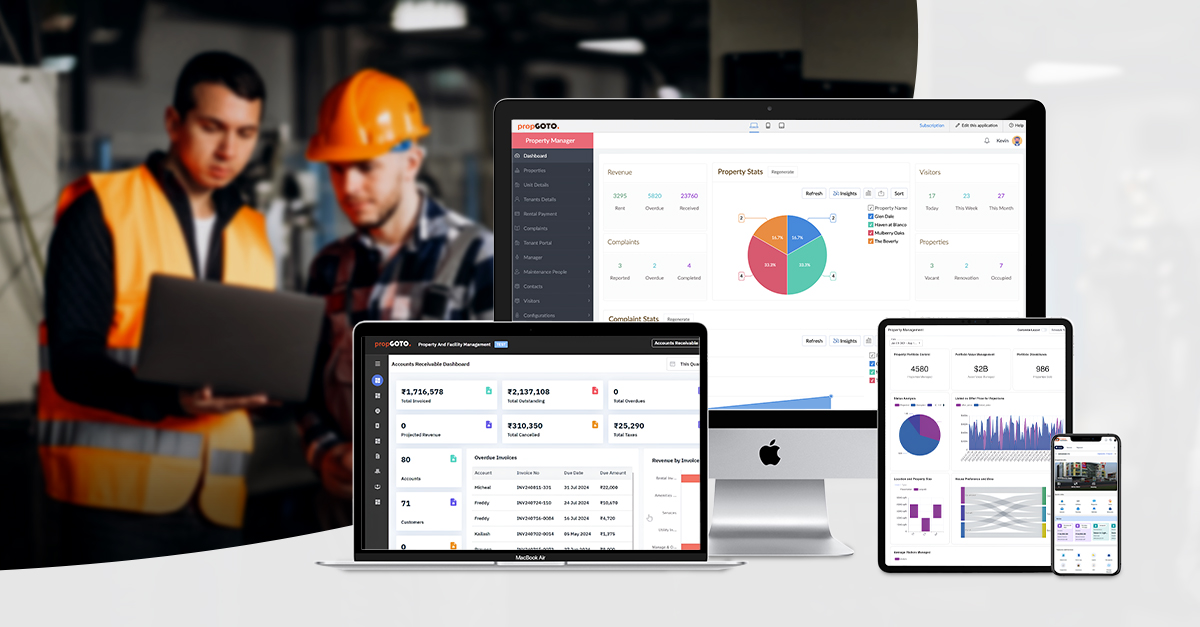
What is a CMMS (Computerized Maintenance Management System)?
A Computerized Maintenance Management System (CMMS) is a specialized software platform designed to centralize maintenance data, streamline operations, and extend the lifespan of physical assets. By digitizing workflows that were historically managed on paper or spreadsheets, a CMMS allows maintenance teams to automate work orders, track equipment health, and ensure regulatory compliance.
Key Takeaway: A modern CMMS serves as the "single source of truth" for maintenance departments, bridging the gap between manual labor and data-driven decision-making.
How Does a Computerized Maintenance Management System Work?
A CMMS functions by creating a comprehensive database of an organization’s assets. When an asset (like a CNC machine or an HVAC system) requires attention, the system triggers a digital workflow.
The Core Lifecycle of a CMMS Task:
- Asset Entry: Equipment is logged with serial numbers, manuals, and warranty info.
- Trigger: A work order is created via a schedule (Preventive Maintenance) or a sensor alert (Predictive Maintenance).
- Assignment: The system assigns the task to a qualified technician based on availability.
- Execution: The technician uses a mobile CMMS app to view instructions and log parts used.
- Analysis: Management reviews the data to calculate Mean Time Between Failures (MTBF) and total maintenance costs.
5 Critical Maintenance Challenges Solved by CMMS
For many organizations, maintenance is a "black box" of costs. Implementing a Computerized Maintenance Management System directly addresses these five pain points:
1. Eliminating Unplanned Downtime
Unplanned downtime can cost manufacturers thousands of dollars per minute. A CMMS moves your strategy from reactive (fixing it when it breaks) to proactive (servicing it before it breaks).
2. Streamlining Disorganized Workflows
Without a central system, work orders get lost in email or on sticky notes. CMMS software automates the creation and prioritization of tasks, ensuring nothing falls through the cracks.
3. Accurate Asset Lifecycle Tracking
How much have you spent on a specific machine over five years? A CMMS provides a detailed "medical history" for every asset, helping you decide whether to repair or replace.
4. Real-Time Inventory Optimization
Overstocking parts wastes capital; understocking stops production. CMMS inventory modules track spare parts in real-time and can even trigger automatic reorders.
5. Data-Driven Insights & Compliance
Modern CMMS platforms generate audit-ready reports.2 This is essential for industries like Healthcare or Food & Beverage, where safety documentation is legally required.
Key Features Of Computerized Maintenance Management Systems
To truly optimize your operations, look for these "must-have" features in a Computerized Maintenance Management System:
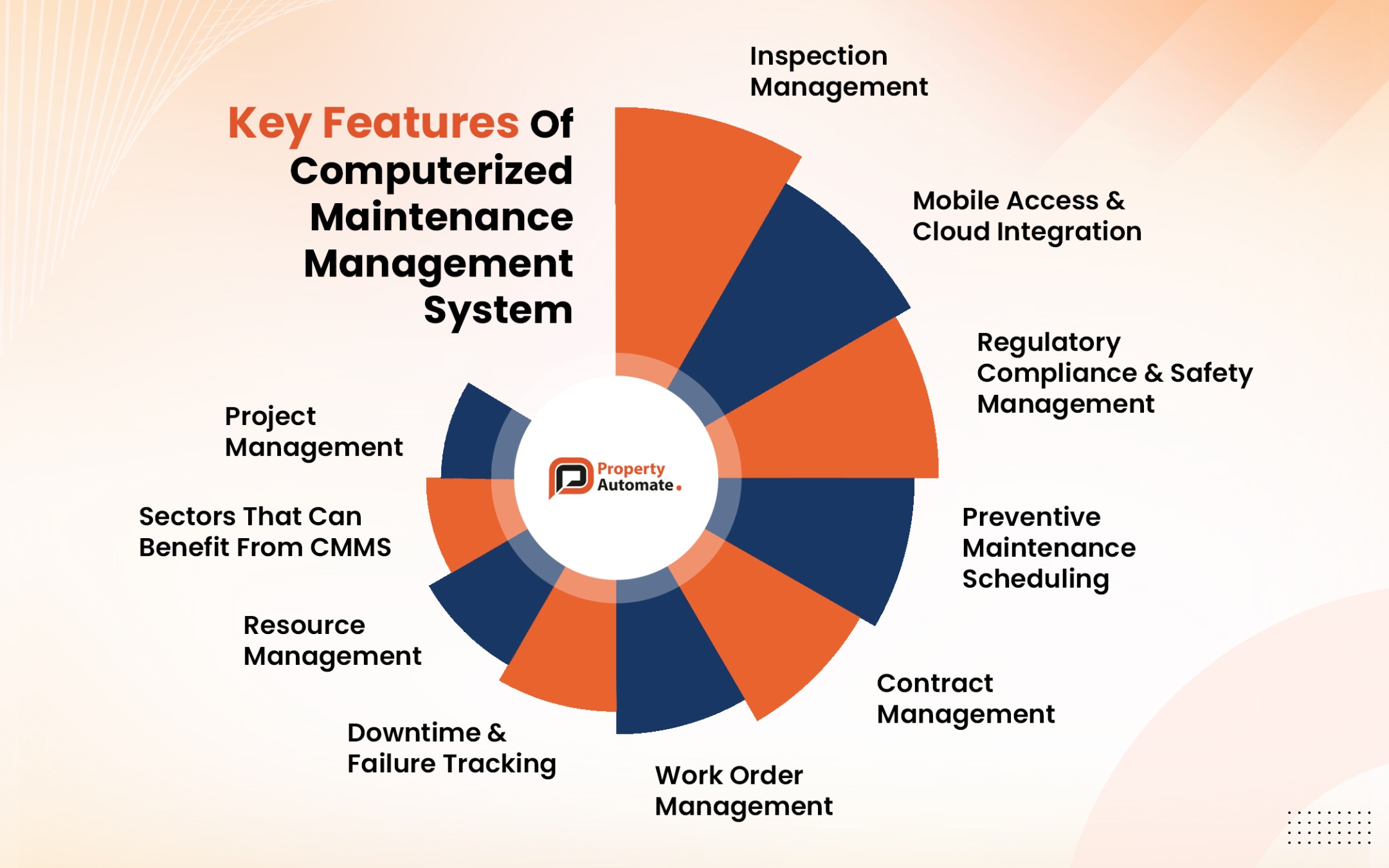
- Work Order Management: The ability to create, track, and close requests instantly.
- Preventive Maintenance (PM) Scheduling: Calendar or meter-based triggers for routine service.
- Asset Management: A hierarchical view of equipment, locations, and components.
- Mobile Access & Cloud Integration: Technicians should be able to update data from the field, even offline.
- Predictive Maintenance (PdM) Capabilities: Integration with IoT sensors to predict failures based on vibration or temperature.
- MRO Inventory Tracking: Managing "Maintenance, Repair, and Operations" supplies.
Industries Leading the Adoption of CMMS
While versatile, the following sectors see the highest ROI from maintenance software:
- Manufacturing: To maintain high OEE (Overall Equipment Effectiveness).
- Healthcare: To ensure life-saving equipment meets strict ISO standards.
- Facilities Management: For managing lighting, plumbing, and HVAC across large campuses.
- Energy & Utilities: To monitor remote assets like wind turbines or power grids.
How to Choose the Best CMMS for Your Organization
Selecting a Computerized Maintenance Management System is a long-term commitment. Follow this checklist:
- Define Your Goals: Are you trying to reduce costs, or simply pass audits?
- Prioritize Ease of Use: If the software is too complex, your technicians won't use it.
- Check Integration Capabilities: Does it talk to your ERP (like SAP or Oracle)?
- Evaluate Mobile Functionality: Does it have a dedicated iOS/Android app?
- Request a Proof of Concept (POC): Don't just watch a demo; test it with your own data.
Final Thoughts: Protecting Your Bottom Line
A Computerized Maintenance Management System is no longer a luxury-it is a requirement for competitive industrial operations. By centralizing your data and automating your schedules, you stop "fighting fires" and start building a more reliable, profitable future.
Ready to see a CMMS in action?
FAQ's
What is the difference between CMMS and EAM?
While both manage maintenance, a CMMS focuses primarily on maintenance operations during the asset's "working life." An EAM (Enterprise Asset Management) system is broader, tracking the entire lifecycle from procurement and installation to decommissioning and disposal.
Can a CMMS help with ISO compliance?
Yes. A CMMS provides a digital paper trail of every inspection, repair, and safety check, which is critical for ISO 9001 and ISO 55000 certifications.
Is cloud-based CMMS better than on-premises?
For most businesses, Cloud-based CMMS is superior because it offers lower upfront costs, automatic updates, and better mobile accessibility. On-premises are usually reserved for high-security facilities with limited internet access.